
Import & Manage Playlists
Import your IPTV playlists via M3U, Xtream Codes, or Stalker Portal to begin.
Experience unlimited entertainment on Windows with support for live TV, movies, and series.
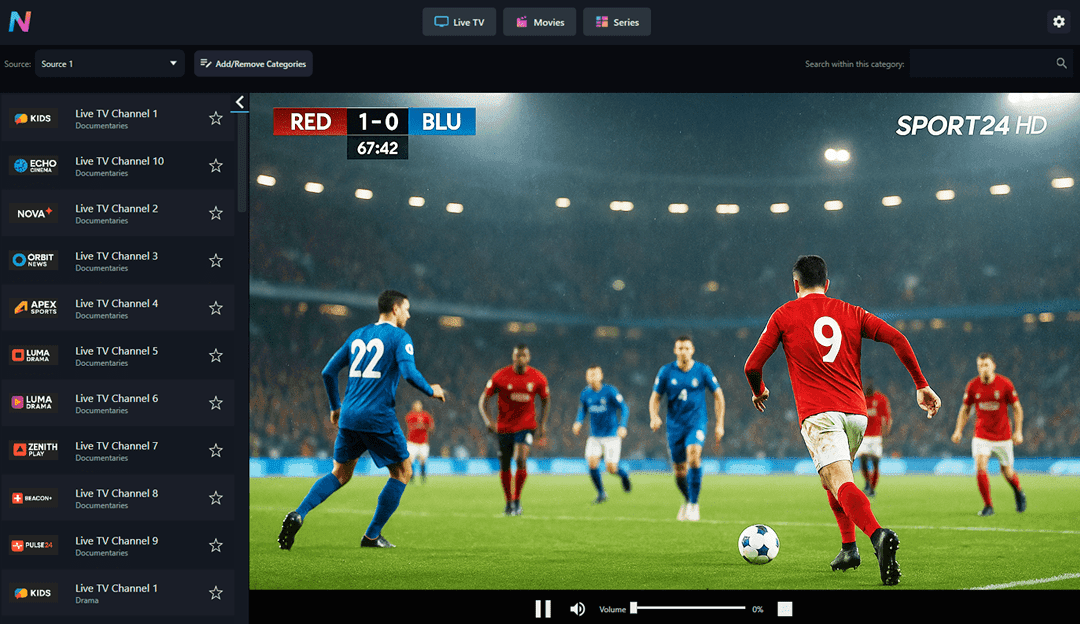
IPTV Player Nova PRO combines sleek design with powerful features to keep your entertainment flowing.
Import your IPTV playlists via M3U, Xtream Codes, or Stalker Portal to begin.
Download on Windows desktop, laptop or surface tablet.
Integrated video player delivers buttery smooth HD and 4K streaming.
All credentials are encrypted locally for maximum privacy.
Bring playlists from around the world and explore curated collections by region and genre.
Support via email and software updates included!
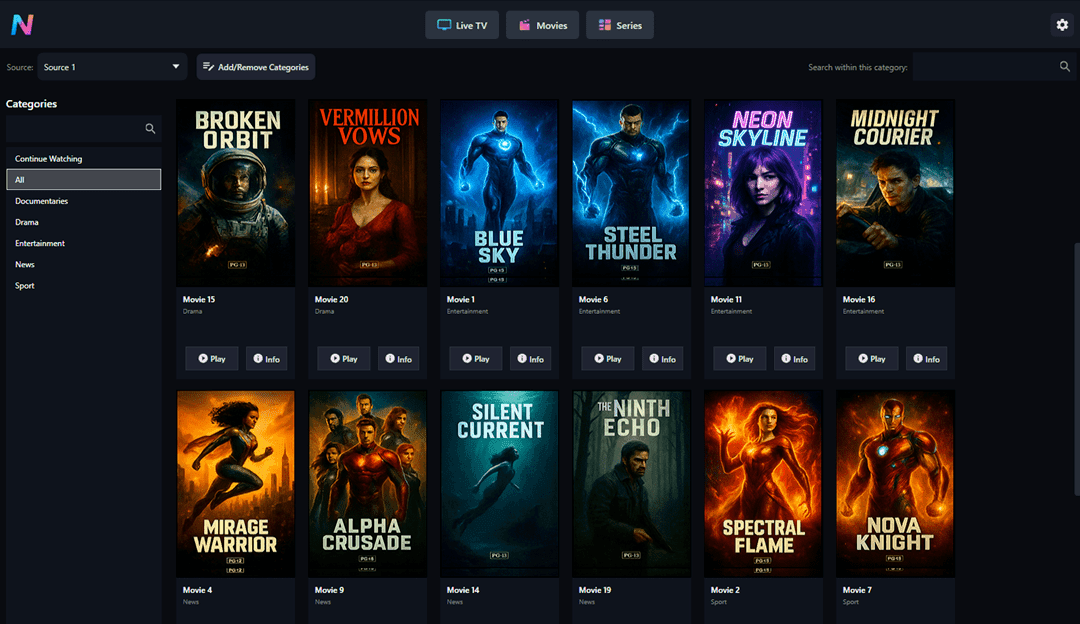
IPTV Player Nova PRO brings together live TV, EPG, Movies and Series with a fluid, modern interface designed to keep you in control. Tailor your playlists, jump back into favorites, and stream in true 4K.
Three simple steps to unlock your playlists and stream with a beautifully responsive player.
Download IPTV Player Nova PRO from the Microsoft Store and install it on your Windows PC (Windows 10/11).
Import an M3U/M3U8 playlist, connect with Xtream Codes API, or sign in to a Stalker Portal. We do not provide or sell content.
Browse live TV, movies (VOD), and series with EPG support, favorites, and fast channel switching.
Unlock PRO for the ultimate IPTV experience with advanced features, ad-free streaming, and priority support.
All Features, Watermarked Player
Most Popular
IPTV Player Nova PRO is an IPTV player for Windows (often searched as “IPTV Player Windows”) built for fast playback, large playlists, and a clean, modern interface. It’s a player only — you bring your own playlist or provider credentials.
Answers to the most common questions about IPTV Player Nova PRO and how it works.
IPTV Player Nova PRO is a player only. We do not provide or sell content or playlists.
Download IPTV Player Nova PRO on the Microsoft Store to enjoy the ultimate Windows IPTV streaming experience.

 Download on Microsoft Store